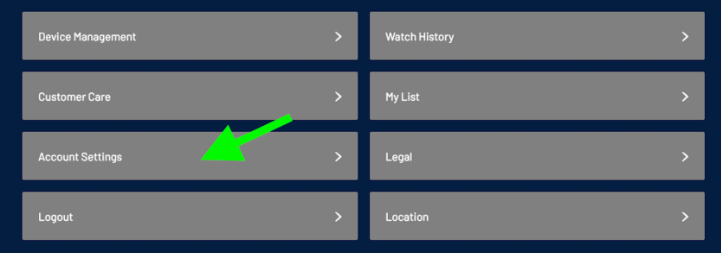
To delete your account, you can go to Account Settings and select “Delete Account.” You can also contact our customer support team at tvsupport@nashvillepredators.com for assistance. Please note that deleting your account will cancel your subscription and permanently remove your account data.
You can also manage your privacy and consent preferences through Account Settings. Certain collection and use of personal information is necessary for us to provide the PredsTV service. If you revoke the consent required to provide the service, you will no longer be able to access PredsTV or watch live games.
If you only want to opt out of receiving marketing emails, news, or offers from the Nashville Predators, you can update that preference separately in Account Settings. Opting out of marketing communications will not affect your ability to use PredsTV.
Or go to:
Was this article helpful?
That’s Great!
Thank you for your feedback
Sorry! We couldn't be helpful
Thank you for your feedback
Feedback sent
We appreciate your effort and will try to fix the article